

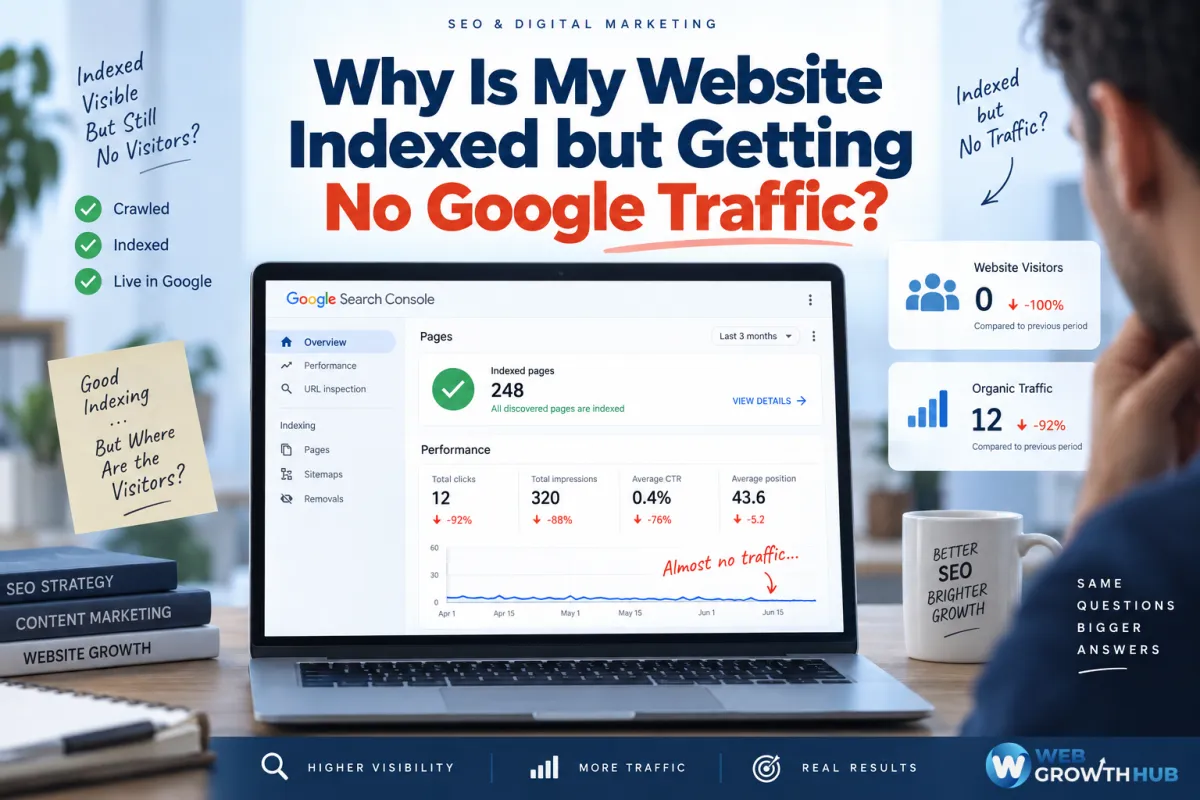
Why Is My Website Indexed but Getting No Google Traffic?
You check Google Search Console and see that your website is indexed.
Google has discovered your pages. Your homepage is included in its index, and your important service pages appear to be available for search.
Everything looks fine.
But there's one problem.
You're still getting little or no traffic from Google.
You might have spent weeks building your website, writing content, and optimizing pages. Yet when you check your analytics, hardly anyone is visiting through organic search.
So what's happening?
The simple answer is that being indexed doesn't mean your website will automatically rank, appear frequently in search results, or receive clicks.
Here's why your indexed website may not be getting traffic—and what you can do about it.
1. Being Indexed Is Not the Same as Ranking
Let's start with the most important distinction.
When Google indexes your website, it means Google has analyzed the page and stored information about it in its index.
That doesn't mean the page ranks on the first page.
It doesn't even guarantee the page will appear for every keyword you want to target.
Imagine you own a roofing company.
Your website is indexed, and you want to appear when customers search:
roof repair near me
But Google may consider other businesses' pages more relevant or useful for that particular search.
Your website could be indexed while receiving almost no impressions or clicks.
If you're wondering why an indexed page isn't ranking as expected, we've covered that issue in more detail in Why Is My Website Not Ranking Even Though It's Indexed?.
For now, remember:
Indexing makes your page eligible to appear. Ranking determines where it appears. Traffic depends on whether people see and click it.
2. Your Website May Be Targeting the Wrong Keywords
One reason indexed websites receive little traffic is that their pages don't target the searches potential customers actually use.
For example, your homepage might say:
Welcome to Smith & Sons. Quality Service Since 1998.
That's useful branding, but it doesn't clearly explain what you do or which searches the page should answer.
Compare that with a page that clearly explains:
Residential Roof Repair and Replacement in Hartford, CT
The second page communicates a specific service and location.
You don't need to stuff keywords into every paragraph.
But your important pages should clearly address the topics your customers search for.
Start by asking:
What services do customers search for?
What questions do they ask before hiring you?
Which locations do you serve?
Does each important page have a clear purpose?
Does the content actually answer the searcher's question?
A website shouldn't rely on Google to guess what every page is about.
3. Your Pages May Be Ranking Too Low to Generate Clicks
Sometimes your website is appearing on Google, but not where customers are likely to see it.
You may rank on page two, three, or lower for important searches.
Technically, your website has search visibility.
Practically, very few people may reach it.
This is why you should check your performance in Google Search Console instead of relying only on indexing reports.
Look at three important metrics:
Impressions: How often your result was seen.
Average position: Where your result appeared, on average.
Clicks: How often someone clicked through to your website.
If you have impressions but almost no clicks and your average positions are poor, ranking performance may be part of the problem.
For a closer look at this situation, read Why Is My Website Ranking on Page 2 of Google Instead of Page 1?.
4. Your Content May Not Match Search Intent
You can target the right keyword and still miss what people actually want.
Imagine someone searches:
emergency plumber near me
They're probably looking for a business that can respond quickly.
They want to know:
Do you offer emergency plumbing?
Are you available now?
Do you serve their location?
How can they contact you?
If your page spends most of its time talking about your company history, it may not be the strongest answer for that search.
The same principle applies to informational searches.
Someone searching how to stop a leaking faucet may want instructions rather than a service page.
The goal is to make each page genuinely helpful for the search it targets.
5. Your Website May Not Have Enough Useful Content
A website with only a homepage, an About page, and a Contact page may struggle to cover all the searches relevant to the business.
Suppose you operate an HVAC company.
You provide AC repair, furnace repair, HVAC installation, duct cleaning, and preventive maintenance.
But your website has one short page labeled Our Services.
That page may not explain each service in enough detail to answer customers' specific questions.
Consider building dedicated pages for your main services.
Explain what each service involves, which customers need it, what areas you serve, and how someone can take the next step.
However, don't create dozens of nearly identical pages just to target keyword variations.
Useful, focused content is more valuable than creating pages simply to increase your page count.
6. Your Competitors May Have a Stronger SEO Presence
Your website doesn't rank in isolation.
It's competing with other websites trying to answer the same searches.
A competitor may have:
More relevant service pages
Stronger backlinks
Better local visibility
More established online mentions
More comprehensive content
A stronger reputation
Your website may be newer or less established, even if its design looks more professional.
That's why comparing appearance alone won't explain your traffic problem.
If another business consistently appears above yours, investigate what its pages offer that yours don't.
We've explored this in Why Does My Competitor Rank Above My Business?.
Use competitor analysis to identify opportunities—not to copy someone else's website.
7. Your Search Listings May Not Be Getting Clicked
What if your website has impressions and reasonable rankings but still receives very few visitors?
Your click-through rate may be low.
People might see your result but choose another one.
Your title could be too generic.
Your search snippet might not communicate the page's value.
Or another result might look more relevant to what the customer needs.
For example:
Home | ABC Services
is less descriptive than:
Emergency AC Repair in Hartford | ABC Services
The second title gives searchers a clearer idea of what they'll find.
Review the titles and descriptions of pages that receive impressions but few clicks.
Don't promise something the page doesn't deliver.
For more guidance on this issue, see Why Are My Google Impressions Increasing but I'm Not Getting Clicks?.
8. Your Internal Linking May Be Weak
Another common problem is that important pages are difficult to discover through your website's navigation and content.
Imagine you've published a helpful page about roof replacement.
But it's not linked from your main service page, homepage, or relevant articles.
Visitors may have trouble finding it.
And search engines have fewer clear pathways to discover and understand its relationship to the rest of your website.
Start by connecting related content naturally.
For example, a general roofing page can link to dedicated pages covering roof repair, replacement, inspections, and maintenance.
Use descriptive anchor text that explains what readers can expect from the linked page.
The goal is to help both customers and search engines navigate your website.
9. You May Be Looking at the Wrong Traffic Data
Before making major SEO changes, confirm that the website actually has no Google traffic.
Open Google Search Console and review the Performance report.
Look at the last three months.
Then check your individual pages and search queries.
You may discover that Google is sending some clicks, but your analytics platform isn't recording them correctly.
Possible causes include:
Missing analytics tags
Incorrect tracking configuration
Changes to consent settings
A recent website redesign
A mismatch between the property you're checking and your actual website
If Search Console shows clicks but your analytics platform shows no organic visits, investigate measurement before assuming your SEO has failed.
How to Diagnose an Indexed Website With No Traffic
The fastest way to understand the problem is to look at the relationship between impressions, rankings, clicks, and visits.
Situation 1: Your pages are indexed, but you have almost no impressions.
Investigate whether your pages target real searches, provide useful content, and match search intent.
Situation 2: You have impressions, but your rankings are low.
Compare competing pages, improve your content, strengthen internal linking, and review your website's overall SEO.
Situation 3: You have impressions and reasonable positions, but almost no clicks.
Review your page titles, search snippets, competing results, and whether your listing communicates the right value.
Situation 4: Search Console shows clicks, but your analytics platform shows no visits.
Investigate analytics tags, consent settings, property configuration, and reporting dates.
Once you've identified the issue, you can focus on the right solution instead of changing everything at once.
Getting Google Traffic Is Only the First Step
Suppose your SEO starts improving.
Your impressions increase.
Your pages begin appearing for more relevant searches.
Visitors finally start arriving.
That's progress.
But what happens after someone reaches your website?
Can they understand your services?
Can they contact you easily?
Can they book an appointment?
Does someone follow up when they submit a form or call?
Getting traffic matters, but turning traffic into customers matters just as much.
If people are already visiting but aren't contacting you, read Why Isn't My Website Getting Leads? 10 Common Reasons (And How to Fix Them).
Connect Your Website to a Complete Growth System
WebGrowthHub is designed to connect your website, lead capture, CRM, customer communication, booking, automation, and reputation management in one business growth platform.
Instead of treating search traffic as the finish line, the goal is to connect each step:
Get Found → Capture the Lead → Follow Up → Convert → Grow
That way, improved search visibility can become an opportunity to generate more business—not just a higher number on your analytics dashboard.
Final Thoughts
If your website is indexed but getting no Google traffic, indexing itself may not be the problem.
Your website may be targeting the wrong searches, ranking too low, missing search intent, lacking useful content, struggling against competitors, or failing to earn clicks.
Or your traffic measurement may be incomplete.
Start with Google Search Console.
Identify whether the problem is impressions, rankings, clicks, or recorded visits.
Then improve the specific part of your search performance that's holding you back.
Because being indexed means Google knows about your website.
Getting traffic means people are finding it—and choosing to visit.


