

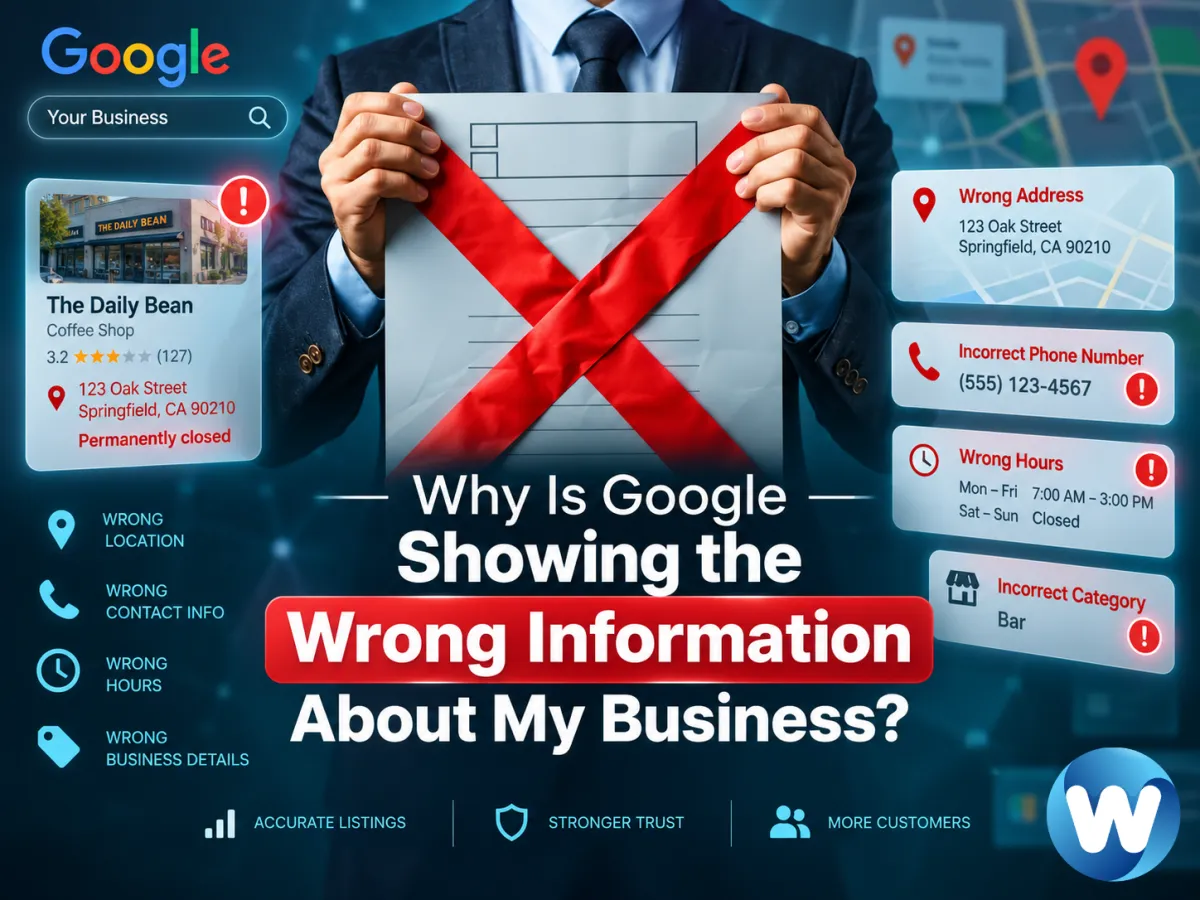
Why Is Google Showing the Wrong Information About My Business?
You search for your business on Google and immediately notice something is wrong.
Maybe Google shows the wrong hours.
Maybe an old phone number is still appearing.
Maybe your address is outdated.
Maybe your business is marked closed even though you're open.
Or perhaps Google is showing information that you never entered in your Google Business Profile at all.
That can be frustrating—especially when customers rely on Google Search and Google Maps to decide whether to call, visit, or book with your business.
The important thing to understand is this:
Google doesn't build your business information from your Google Business Profile alone.
Google says Business Profile information can come from several sources, including information supplied by the business owner, publicly available web content, licensed third-party data, user contributions, and Google's own interactions with a business or location.
That means incorrect information can sometimes appear even when you believe you've entered everything correctly.
Here's why it happens—and what you can do about it.
Why Can Google Change My Business Information?
Many business owners assume that once they enter information into their Google Business Profile, that information remains exactly as they entered it.
It doesn't always work that way.
Google continually tries to keep local business information accurate and current. If other sources suggest that a business detail is outdated or incorrect, Google may update the profile. Google says these updates can be based on sources such as user reports and licensed content.
For example, Google might see conflicting information about your:
Business name
Address
Phone number
Website
Hours
Business status
Categories
Attributes
Services
Sometimes Google's update is correct.
Sometimes it isn't.
The goal is therefore not simply to enter your information once and forget about it.
You need to monitor what customers are actually seeing.
1. Google May Be Pulling Information From Your Website
Your own website can influence what Google understands about your business.
Google says publicly available information—including content crawled from a business's official website—can be one of the sources used to build Business Profile information.
Suppose your Google Business Profile says:
Monday–Friday: 8:00 AM–5:00 PM
But an old page on your website still says:
Monday–Friday: 9:00 AM–4:00 PM
Now conflicting information exists.
The same problem can happen with an old:
Phone number
Address
Business name
Location page
Contact page
Holiday schedule
When correcting Google information, don't only look at your Business Profile.
Check your website too.
Your most important business information should accurately reflect how the business operates today.
2. Customers Can Suggest Changes to Business Information
Google Maps and Search allow users to suggest edits to places and businesses.
Depending on the information involved, people may be able to suggest changes to details such as:
Business name
Address
Map location
Hours
Phone number
Website
Business status
Google reviews submitted edits before deciding whether to apply them.
Most customers who suggest changes are probably trying to help.
Imagine someone drives to your business at 6:00 PM because Google says you're open until 7:00 PM.
They arrive and discover you closed at 5:00 PM.
That customer may tell Google that your hours are wrong.
If your actual hours recently changed but your profile wasn't updated, their suggestion may be accurate.
The problem comes when a suggestion is based on incomplete information—or when Google's systems interpret conflicting signals incorrectly.
That's why regularly reviewing your profile matters.
3. Google May Have Detected Conflicting Information Elsewhere
Your business probably exists in more places online than you realize.
Information about it may appear on:
Business directories
Industry websites
Local directories
Maps platforms
Social profiles
Review platforms
News articles
Association websites
Your own website
Google says Business Profile information can include licensed third-party data in addition to publicly available web information and user contributions.
If old business information continues appearing around the web, it can make correcting your digital presence more complicated.
For example, imagine your business moved.
Your Business Profile shows:
125 Main Street
But several older pages around the web still reference:
78 Market Street
The more old information that remains online, the harder it becomes to maintain a clean and understandable digital footprint.
You don't need to panic over every outdated reference you find.
But your most important and authoritative business pages should consistently reflect your current information.
4. You May Not Actually Control the Correct Business Profile
Sometimes the issue isn't an incorrect field.
It's that you're looking at the wrong profile.
This can happen when:
Someone created a profile years ago.
A former employee managed the profile.
An agency originally set it up.
Google already had information about the business.
Another Google account verified the location.
Multiple profiles exist for the same business.
If someone else has already verified a business, Google provides a process for requesting ownership. Verified owners and managers can then manage profile information through Search and Maps.
This is especially important when you're making changes but nothing seems to happen.
Before repeatedly editing information, make sure you're managing the profile customers are actually seeing.
5. You May Have a Duplicate Business Profile
Duplicate listings can create significant confusion.
Imagine one profile shows:
Your correct address and phone number
while another shows:
Your old address and old phone number
Customers may encounter either version.
They may leave reviews on different profiles.
And you may spend time updating one profile while another continues appearing with outdated information.
If you're seeing inconsistent business details, search Google Maps for:
Your exact business name
Previous business names
Old addresses
Current addresses
Your phone number
Look for profiles that appear to represent the same business.
Google provides options for reporting places that don't exist, are duplicates, have moved, or are closed.
Don't automatically create another profile to solve the problem.
That can make the situation even more confusing.
6. Google May Think Your Business Is Closed
Few incorrect details create more urgency than:
Permanently closed
If your business is operating normally, that label can have an immediate impact.
Potential customers may never call.
They may never visit your website.
They may simply choose another business.
Google Maps allows users to provide feedback about whether a place has closed, moved, reopened, or doesn't exist at that location.
If your business is incorrectly marked closed, review the status of your Business Profile immediately.
Also look for possible reasons Google may be receiving conflicting information.
For example:
Did you move recently?
Is an old location still online?
Does your website suggest the location is closed?
Is there another profile at the same address?
Were your hours recently changed?
Has the business name changed?
Treat the incorrect status as a symptom that needs investigation, not merely a field that needs editing.
7. Your Hours May Be Wrong or Outdated
Business hours change more often than many other profile details.
You may have:
Seasonal hours
Holiday hours
Summer hours
Winter hours
Appointment-only days
Temporary closures
Extended hours
Different hours for certain services
If your actual schedule changes and your Google profile doesn't, customers may begin reporting the discrepancy.
That's why hours should be reviewed whenever your operating schedule changes.
Google allows verified businesses to edit their profile information directly through Search or Maps.
And don't forget the rest of your website.
If your Contact page says something different from your Google Business Profile, update both.
8. Your Address or Map Pin May Be Wrong
An incorrect address can be particularly damaging for businesses that depend on customers visiting a physical location.
Even if the written address appears correct, the map marker itself may be misplaced.
That could send customers to:
The wrong entrance
Another building
Another side of a shopping center
A nearby street
An old location
Google Maps allows corrections to addresses and map locations, and users can also suggest edits to a place's marker.
If customers frequently call and say:
“I can't find you.”
don't assume they're simply bad at directions.
Check what Google is actually showing them.
9. Some Business Attributes Can Come From Customer Input
Your Business Profile may display information beyond your name, address, phone number, and hours.
Depending on the type of business, customers may see attributes related to things such as:
Accessibility
Amenities
Payment options
Service options
Dining options
Other business features
Google says businesses can directly manage some attributes, while other attributes may be populated based on input from customers who visit the business.
This is another reason you may occasionally see information that you don't remember entering yourself.
Review the attributes shown on your profile and correct the ones you're able to manage when they don't accurately describe your business.
10. Your Edit May Still Be Under Review
You notice incorrect information.
You correct it.
Then you search again ten minutes later and the old information is still there.
That doesn't necessarily mean your edit failed.
Google reviews edits to Business Profiles.
According to Google, edits often take about 10 minutes to review, but in some cases they can remain under review for as long as 30 days. An edit can appear as accepted, not approved, or pending.
So if you've already submitted a correction, check its status before repeatedly changing the same field.
Repeatedly editing information while another change is still being reviewed can make it harder for you to understand what is actually happening.
How to Fix Wrong Information About Your Business on Google
If Google is displaying incorrect business information, approach the problem systematically.
Step 1: Search for Your Business Like a Customer
Don't only look inside the management interface.
Search your business name on Google.
Check Google Maps.
Look at what a customer actually sees.
Review:
Name
Address
Phone number
Website
Hours
Location pin
Categories
Business status
Attributes
You may find problems that aren't obvious from your normal dashboard.
Step 2: Confirm You're Managing the Correct Profile
Make sure the profile appearing publicly is the profile connected to your Google account.
If someone else controls it, request access or ownership rather than creating another listing.
Step 3: Correct Your Business Profile
If you manage a verified profile, Google allows you to edit business information through Search or the Google Maps app.
Update incorrect information carefully.
Avoid changing fields that are already accurate simply because you're troubleshooting another issue.
Step 4: Check Your Website
Review the pages most likely to contain business information:
Homepage
Contact page
About page
Location pages
Footer
Service-area pages
Make sure they aren't still displaying old information.
Step 5: Look for Duplicate Profiles
Search Maps for other versions of the business.
Pay particular attention to previous addresses and business names.
If you find a duplicate, use Google's appropriate reporting or correction options rather than building another profile.
Step 6: Review Important Third-Party Listings
Look at major places where customers commonly encounter your business.
Correct outdated information when you have control over it.
The goal is a digital presence that consistently communicates what your business is, where it is, and how customers can contact it.
Step 7: Monitor Your Edit
After submitting a correction, check whether the edit is:
Accepted
Pending
or
Not approved
Google says it may reject edits when it can't confirm their accuracy.
If a change isn't approved, investigate what information may be conflicting with your correction.
Wrong Information Can Hurt More Than Your Google Profile
Incorrect Google information isn't merely an administrative inconvenience.
Think about the customer experience.
A potential customer finds your business.
Google shows the wrong phone number.
They call.
Someone else answers—or nobody does.
That lead is probably gone.
Or Google says you're closed.
The customer chooses your competitor.
Or the map sends them to the wrong place.
They become frustrated before they've even interacted with your business.
The issue can affect:
Discovery → Trust → Contact → Conversion
That's why accurate local information should be treated as part of the customer-acquisition system rather than as a small profile-maintenance task.
What If My Business Profile Information Is Correct but I'm Still Not Getting Visibility?
Correct information is essential, but accuracy alone doesn't guarantee strong local visibility.
Your profile can be perfectly accurate and still struggle to appear for the searches you care about.
That's a different problem.
If your profile information looks right but very few people are finding it, read Why Is My Google Business Profile Not Getting Views?.
And if your profile appears in Google Maps but your website isn't appearing as expected in regular search results, see Why Is My Business Showing Up on Google Maps but Not Google Search?.
For businesses trying to strengthen their overall profile visibility, we've also covered how to improve your Google Business Profile ranking.
These are related issues, but they're not the same.
First make sure Google understands your business correctly.
Then work on improving how often and where the business appears.
Keep Your Business Information Connected to the Rest of Your Growth System
Accurate Google information helps customers find and contact you.
But the customer journey shouldn't stop there.
Someone may discover you through Google, visit your website, call your business, complete a form, or book an appointment.
Those interactions need somewhere to go.
WebGrowthHub connects your website, lead capture, CRM, customer communication, booking, automation, and reputation management within a broader business growth system.
The idea is simple:
Get Found → Get Contacted → Capture the Lead → Follow Up → Convert → Retain → Grow
Correct business information helps the first part work.
Your website and business systems determine what happens after the customer finds you.
How to Prevent Incorrect Business Information in the Future
You may not be able to prevent every Google update or user suggestion.
But you can reduce problems by making profile maintenance part of your normal business routine.
Periodically check:
Your Google Business Profile
Your website
Your opening hours
Your address and map pin
Your phone number
Your business status
Your important online listings
Any notifications about Google updates
And whenever something important changes in your business, update your online information promptly.
Don't wait for customers to discover the discrepancy first.
Final Thoughts
If Google is showing the wrong information about your business, it doesn't necessarily mean someone hacked your profile or that Google randomly invented the details.
Google builds and updates local business information using multiple sources, including business owners, websites, third-party data, user contributions, and other signals.
That means errors can appear when those sources conflict or when information becomes outdated.
Start by checking what customers actually see.
Then verify that you're managing the correct profile, correct inaccurate fields, review your website, investigate duplicate listings, and monitor any pending Google updates.
Most importantly, treat accurate business information as part of the customer experience.
Because when someone searches for your business, they shouldn't have to wonder:
Is this the right number?
Are they actually open?
Is this the correct location?
They should be able to find you, trust the information they see, and take the next step.


