

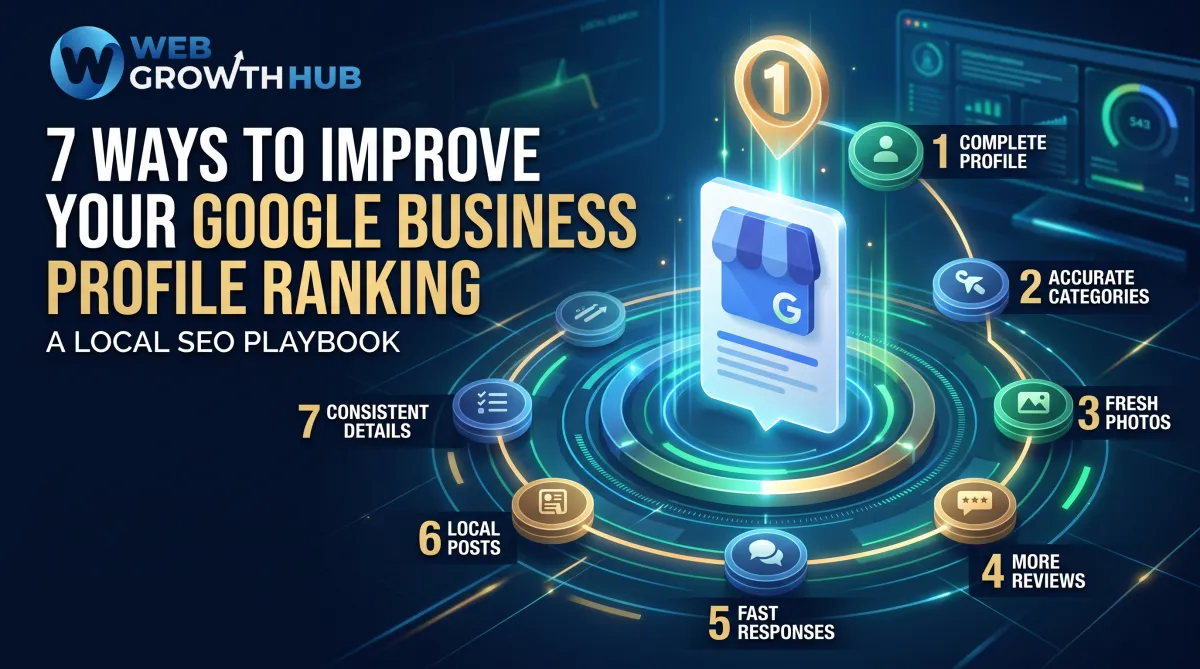
7 Ways to Improve Your Google Business Profile Ranking
7 Ways to Improve Your Google Business Profile Ranking
You search Google Maps for your own service and see competitors appearing first. They may be farther away, have fewer years in business, or even offer a similar service at a higher price. Meanwhile, your business is nearby, your customers are happy, and your profile is barely visible.
This is a common local SEO frustration. Good service matters, but Google also needs clear, trustworthy information to understand and recommend your business. Google Business Profile ranking develops when your profile sends consistent signals about what you do, where you operate, and why customers should trust you.
This guide explains 7 ways to improve your Google Business Profile ranking without technical expertise or unrealistic promises. You will learn what to improve first and build a stronger foundation for Google Maps visibility.
How Google Business Profile Rankings Work
Google says local results are mainly influenced by relevance, distance, and prominence. These factors work together, and businesses can improve some more directly than others.
Factor | Plain-language meaning | What a business can influence |
Relevance | How closely your profile matches what a customer searches for | Categories, services, description, attributes, and website content |
Distance | How close your business is to the searcher or searched location | Accurate address or genuine service area, but not the searcher’s location |
Prominence | How well-known and trusted the business appears | Reviews, links, local mentions, profile quality, and customer experience |
You cannot make your business appear equally close to every searcher, and no legitimate tactic guarantees the first position on Google Maps. However, you can make your business easier for Google to understand and more useful for customers to choose. The seven strategies below mainly strengthen relevance and prominence.
1. Claim, Verify, and Complete Your Profile
An unclaimed or incomplete profile creates uncertainty for both Google and potential customers. Google says verification helps establish that you are authorised to represent the business, while complete and accurate information makes it easier for customers to understand what you do, where you are, and when you are available.
Add and regularly check your:
•Real-world business name.
•Accurate address or service area.
•Local phone number where appropriate.
•Website and booking links.
•Regular and holiday opening hours.
•Business description.
•Contact and service details.
Keep information current after a relocation, phone-number change, hours change, or new service. Outdated details damage confidence even if the profile still appears in search.
Practical example: A mobile electrician should state the areas served, phone number, emergency availability, and a website quote page. The profile should not claim an office address that customers cannot visit.
2. Choose the Right Business Categories
Categories help Google understand the type of business you operate and the searches for which your profile may be relevant. Your primary category should describe the main business, not simply the most competitive keyword you would like to rank for.
Choose the most specific legitimate primary category available, then add relevant secondary categories only when they describe real parts of the business. Google’s guidelines recommend choosing the fewest categories needed to describe the overall core business.
Avoid adding unrelated categories just to appear in more searches. A dental clinic should not select categories for unrelated medical services it does not provide, and a general retailer should not list itself as a specialist store unless that accurately reflects the business.
Practical example: A company whose main work is residential plumbing might use a plumbing-related primary category and add genuinely relevant services such as drain cleaning or water heater installation where those options are available and accurate. It should not add electrician or builder categories simply because those searches are popular.
3. Add Services, Products, and Helpful Details
A category gives Google a broad description of your business. Services, products, and attributes provide additional context. They also answer practical questions that may determine whether a customer calls you or chooses another listing.
Add the services customers actually buy, with short descriptions written in natural language. Mention the problem you solve, the type of customer you help, or what is included. Avoid repeating the same phrase unnaturally or inserting a list of keywords that reads like it was written for an algorithm.
Where relevant, complete attributes such as:
•Accessibility information.
•Parking availability.
•Payment options.
•Appointment requirements.
•Delivery, collection, or on-site service.
•Wi-Fi, facilities, or other customer benefits.
Practical example: A physiotherapy clinic could list sports injury appointments, rehabilitation, and back pain consultations, then clarify appointment and accessibility requirements. This helps customers and gives Google a clearer picture of the business.
4. Build a Consistent Flow of Genuine Customer Reviews
Reviews are a trust signal for customers and can support prominence. Google states that more reviews and positive ratings can help a business’s local ranking. A strong review profile is more than a high star average. Quantity, quality, recency, and relevance shape how persuasive it feels.
Create a simple, ethical process for requesting feedback after a completed service or positive customer interaction. Send a direct Google review link, provide a QR code on an appropriate printed resource, or ask in person when the customer has had time to experience the service. Invite honest feedback rather than asking only for five stars.
Google’s guidance says reviews must reflect genuine experiences and prohibits incentives in exchange for posting, changing, or removing reviews. Do not buy reviews, write reviews for customers, pressure people to leave positive feedback, or send only dissatisfied customers to a private channel while asking happy customers to post publicly. These practices create risk and undermine the trust reviews are meant to provide.
Practical example: A roofing company can send a follow-up message after a completed project with a review link and a short request for honest feedback. The message can also ask whether the customer needs help with any unresolved issue, but it should not offer a discount in exchange for a positive review.
5. Respond to Reviews Consistently
Responding to reviews shows that the business is active and values customer feedback. Google recommends professional, relevant, concise, conversational, and timely replies. A response is also public evidence of how you communicate when the experience is positive or disappointing.
For a positive review, thank the customer and mention a specific detail. For a negative review, acknowledge the concern, protect privacy, and move complex matters to a private channel.
A useful reply might say: “Thank you for explaining what happened. We are sorry the appointment did not meet expectations. We would like to review the details and understand what went wrong. Please contact our team at [contact method] so we can discuss this privately.”
Do not argue publicly, reveal personal information, or promise an outcome you cannot deliver. Look for recurring themes in reviews. If several customers mention unclear arrival times, slow responses, or confusing invoices, use that feedback to improve the business rather than treating reviews as a ranking exercise.
6. Add Real Photos and Keep Your Profile Active
Photos help customers recognise the business, understand what it offers, and decide whether it feels credible. Google recommends adding photos and videos to show what you offer and tell the story of the business.
Use current images of the exterior, team, products, completed work, vehicles, or service process. For a service-area business, photographs of the team, equipment, branded vehicle, and finished projects may be more useful than a picture of an office customers never visit.
Keep the profile useful with accurate updates and Google Posts when you have genuinely helpful news, seasonal information, events, new services, or practical advice. Activity alone does not guarantee a higher Google Maps ranking, and posting should not become a repetitive exercise in filling space. The priority is to give customers current information and reasons to trust the business.
Practical example: A garden maintenance company might upload recent before-and-after project photographs, introduce its team, and publish a seasonal reminder about hedge trimming. The images should represent real work completed by the company rather than stock images from a supplier.
7. Strengthen Your Website and Local Presence
Your Google Business Profile works best when the rest of your online presence supports the same story. Make sure your website has accurate name, address, phone, hours, services, and contact information. Link the profile to a useful, relevant page rather than sending every visitor to a vague homepage.
Create service pages that explain what you do, who you help, where you operate, and how customers can take the next step. Location pages can support local search when they contain genuinely useful information about a real service area. Avoid creating thin pages that simply repeat the same text with different town names.
Review your business information across reputable directories, professional associations, local publications, and industry listings. Consistent name, address, and phone details help reduce confusion. Relevant local links and mentions can also support prominence, especially when they come from real partnerships, community involvement, trade organisations, or local coverage.
This is not an invitation to submit your business to hundreds of low-quality directories. Prioritise accurate, relevant sources and genuine local relationships. A useful website, consistent listings, and good customer experience form a stronger local SEO foundation than low-quality submissions.
Google Business Profile Ranking Checklist
Use this checklist as a monthly review:
•Verify the Google Business Profile.
•Review and update contact information and business hours.
•Confirm the correct primary and relevant secondary categories.
•Add key services, products, and attributes.
•Upload recent, authentic business photos.
•Create a simple process for requesting genuine customer reviews.
•Respond to new reviews consistently and professionally.
•Check that name, address, and phone details match across the website and directories.
•Link the profile to a useful, location-relevant website page.
•Review profile performance and Google Search Console data monthly.
Track meaningful actions such as calls, website visits, direction requests, bookings, and enquiries—not just where the profile appears for one search from one location. Local results can vary by searcher, device, time, and location.
Mistakes That Can Hurt Your Visibility
Avoid keyword stuffing the business name, using an inaccurate address, or claiming a misleading service area. Do not select irrelevant categories, create duplicate profiles, buy fake reviews, or use review gating. Keep hours, phone numbers, services, and links current, and do not expect every update to produce an immediate ranking change.
Google’s representation guidelines require businesses to reflect their real-world identity accurately, use a precise address or service area, choose appropriate categories, and avoid problematic duplicate profiles. Treat the profile as an ongoing customer-facing asset, not a one-time setup. A neglected profile can become inaccurate even when the business itself is excellent.
How Web Growth Hub Can Help
Improving a Google Business Profile is easier when it is part of a broader local-growth system that includes accurate listings, customer reviews, useful website content, and consistent follow-up. Web Growth Hub helps businesses organise those moving parts into a practical local SEO and customer-acquisition workflow.
That may include profile optimisation, review-generation systems, local content, conversion tracking, and marketing workflows. The aim is to create a clearer customer journey and a more reliable process for improving local business visibility over time—not to promise a particular position on Google Maps.
Conclusion: 7 Ways to Improve Your Google Business Profile Ranking
The most useful 7 ways to improve your Google Business Profile ranking are to complete and verify the profile, choose accurate categories, add detailed services and attributes, build genuine reviews, respond to feedback, use authentic photos and updates, and strengthen the website and wider local presence.
These actions help Google understand the business and help customers decide whether to contact it. Distance depends partly on the searcher’s location, and no provider can guarantee a #1 ranking. You can control the accuracy, usefulness, and consistency of your information.
Improving your Google Business Profile is not about finding one shortcut. It is about building accurate information, stronger trust signals, and a better customer experience over time. If you need help turning your profile, reviews, website, and local marketing into one clear system, Web Growth Hub can help you build a practical local growth plan.


