

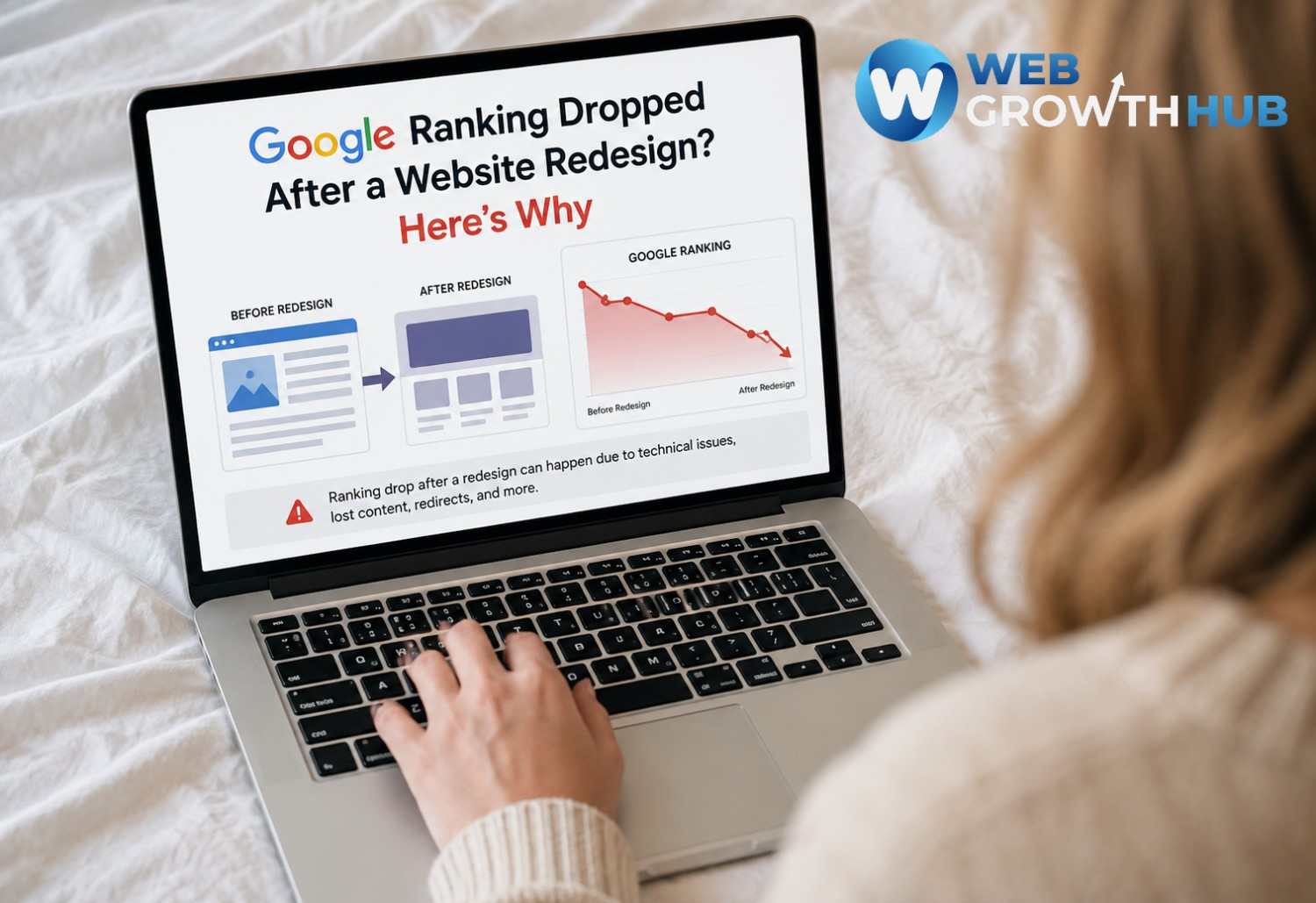
Google Ranking Dropped After a Website Redesign? Here's Why
A website redesign is supposed to improve your business. You may have a cleaner layout, better branding, faster pages, improved navigation, and a more modern user experience.
But sometimes, shortly after launching a redesigned website, something unexpected happens: your Google rankings drop.
Pages that used to rank well may move down. Organic traffic may decline. Some pages may even disappear from Google search results.
If this happened after your website redesign, don't immediately assume Google penalized your website. A redesign can change many of the signals Google uses to crawl, understand, index, and rank your website.
The good news is that many post-redesign ranking problems can be identified and fixed.
In this guide, we'll explain why Google rankings can drop after a website redesign, what you should check first, and how to protect your SEO when rebuilding your website.
Why Can a Website Redesign Cause Google Rankings to Drop?
A website redesign isn't only a visual change.
Even if your new website looks better to visitors, the redesign may have changed important SEO elements behind the scenes.
Your redesign may have changed your page URLs, website structure, content, internal links, title tags, canonical tags, indexing settings, sitemap, or other technical SEO signals.
When these important signals change, Google may need to recrawl and reassess your website.
This is why a website redesign should be treated as more than a design project. It should also be treated as an SEO project.
IMAGE IDEA: Show an old website transforming into a new website, with Google search rankings dropping in between the two versions.
1. Your Website URLs Changed
One of the most common reasons Google rankings drop after a website redesign is changing URLs without properly redirecting the old pages.
For example, your old service page might have been:
yourbusiness.com/plumbing-services
After the redesign, it might become:
yourbusiness.com/services/plumbing
To a visitor, these pages may appear to be about the same service.
To Google, however, they are different URLs.
Your old URL may have built up rankings, backlinks, internal links, and other SEO signals over time. If that URL disappears without a proper redirect, some of those signals can be disrupted.
If you change important URLs during a redesign, create a list of your old URLs and map them to their corresponding new URLs.
Then set up appropriate permanent redirects from the old pages to the new ones.
Don't simply redirect every old page to your homepage. Each old URL should be redirected to the most relevant new page whenever possible.
2. Important Pages Were Removed

Website redesigns often involve simplifying the website.
You may remove pages that seem outdated, combine several service pages into one, or eliminate location pages.
But some of those pages may have been generating organic traffic.
For example, your old website may have had separate pages for:
Roof Repair
Roof Replacement
Commercial Roofing
Emergency Roof Repair
During the redesign, you might combine everything into one general "Roofing Services" page.
The new website may look cleaner, but you've potentially removed several pages that were targeting different searches.
Before removing a page, check whether it receives organic traffic, impressions, clicks, rankings, backlinks, or leads.
If a page is performing well, don't remove it simply because it doesn't fit the new design.
3. Your New Website Has Less Content
Another common problem is removing too much content during the redesign.
Businesses often want their new website to look cleaner, so they shorten paragraphs and remove sections.
There is nothing wrong with making your content easier to read.
The problem occurs when useful information is removed completely.
Your old page may have explained your services, locations, products, customer questions, benefits, and other important information.
If the new page contains only a few short paragraphs, Google may have less information to understand what the page is about.
This doesn't mean you should fill your website with unnecessary text.
Instead, focus on preserving and improving the useful information that helps both visitors and search engines understand the page.
4. Your Title Tags and SEO Information Changed
SEO elements can easily get overlooked during a website redesign.
Your new website may have different title tags, meta descriptions, headings, canonical tags, image alt text, or structured data.
If important page titles were replaced with generic titles, you may lose some of the relevance your pages previously had.
For example, an old page might have used the title:
"Emergency Plumbing Services in Denver | ABC Plumbing"
After the redesign, it might simply say:
"Services | ABC Plumbing"
The second title looks cleaner, but it gives Google much less information about what the page is about.
Your important pages should have clear, descriptive titles that accurately reflect the page content and the search intent you're targeting.
5. A Noindex Tag Was Accidentally Added
This is one of the most important things to check if your rankings disappeared immediately after a redesign.
During website development, developers sometimes prevent search engines from indexing a staging website.
This can be done using a noindex directive or other settings that block search engines.
The problem occurs when those settings accidentally remain active after the new website goes live.
If Google is being told not to index your pages, your website can lose visibility regardless of how good the content is.
After launching a redesigned website, check that your important pages are actually allowed to be indexed.
6. Your Robots.txt Settings Changed
Your robots.txt file provides instructions to search engine crawlers about which areas of your website they can access.
During a redesign, this file may be replaced or modified.
An incorrect robots.txt rule can prevent Google from crawling important pages.
This is especially important if your development website previously blocked search engines from crawling it.
After launching your new website, review the robots.txt file and make sure important sections of the site aren't accidentally blocked.
7. Your Internal Links Changed
Internal linking is another part of SEO that can easily be overlooked during a redesign.
Your old website may have had a strong structure where your homepage linked to important service pages, blog posts linked to service pages, and related pages linked to one another.
During the redesign, some of those links may disappear.
For example, your old structure might have been:
Homepage → Services → Plumbing → Emergency Plumbing
Your new structure might simply be:
Homepage → Services
with fewer links connecting visitors and search engines to deeper pages.
When redesigning your website, review your internal links and make sure important pages are still easy to discover.
8. Your Canonical Tags Are Incorrect
Canonical tags help search engines understand which version of a URL should be considered the preferred version.
During a redesign, canonical settings can accidentally point to the wrong page.
For example, a service page could accidentally have a canonical tag pointing to the homepage or another service page.
When this happens, Google may choose a different URL than the one you expect to rank.
After a redesign, check the canonical settings on your important pages and make sure they point to the correct URLs.
9. Your Website Structure Changed
A redesign often changes the way pages are organized.
Your old website might have used a simple structure:
Homepage → Services → Service Page
The new website might use:
Homepage → Services → Service Category → Service Page
Changing your structure isn't automatically a bad thing.
However, major structural changes can affect how users and search engines discover your pages.
This is especially important for businesses with many service pages or location pages.
Before launching your redesign, make sure your most important pages are still easy to find through your navigation and internal links.
10. Your New Website Became Slower

A redesigned website can sometimes become slower because of larger images, videos, animations, scripts, plugins, tracking tools, and third-party integrations.
A website may look more impressive while actually becoming more difficult to use.
When redesigning your website, don't only ask:
"Does the new website look better?"
Also ask:
"Does the new website load quickly and provide a good experience?"
A successful redesign should improve both appearance and performance.
IMAGE IDEA: Show a modern website overloaded with images, animations, and scripts on one side and a fast optimized website on the other.
11. Your Mobile Experience Changed
Many website redesigns are created on desktop first, with the mobile version adjusted afterward.
This can create problems such as difficult navigation, small buttons, poor spacing, slow loading, broken layouts, or important content becoming difficult to access.
Since many customers search for local businesses using mobile devices, your redesigned website should be tested carefully on phones and tablets.
Your website should be easy to navigate, read, and interact with regardless of the device someone is using.
12. Your Sitemap Wasn't Updated
If you changed URLs during the redesign, your XML sitemap should reflect the new website structure.
A sitemap helps search engines discover important URLs on your website.
It isn't a replacement for proper redirects, internal links, or good site architecture, but it can help Google discover your new URLs.
After launching the redesigned website, make sure your sitemap contains the correct URLs and submit the updated sitemap through Google Search Console.
13. Your SEO Tracking Was Lost
Sometimes what looks like a ranking or traffic problem is actually a tracking problem.
During a website redesign, analytics and tracking codes can accidentally be removed.
You may lose tracking for:
Google Analytics
Google Search Console
Form submissions
Phone calls
Conversions
Other marketing activities
If tracking isn't working correctly, you may think your website has lost traffic or leads when you're actually missing data.
Always verify your analytics and conversion tracking after launching a redesigned website.
14. Google Is Still Processing the New Website
Not every ranking fluctuation after a redesign means something is broken.
When URLs, content, and website structure change, Google needs time to crawl and process the new version of the website.
Some ranking fluctuations can happen while Google recrawls and reindexes the site.
This means you shouldn't immediately make several additional changes just because your rankings moved shortly after launch.
Monitor your website carefully and look for patterns.
If rankings continue falling or important pages disappear from Google, then it's time to investigate the technical and content changes in more detail.
How to Find Out Why Your Google Rankings Dropped
If your rankings dropped after a website redesign, don't start changing everything at once.
Start by comparing your old website with the new one.
Check Google Search Console
Start with Google Search Console and compare your performance before and after the redesign.
Look at your clicks, impressions, search queries, average position, and indexed pages.
Pay particular attention to the pages and keywords that lost the most visibility.
This can help you determine whether the problem is affecting the entire website or only certain pages.
Compare Your Old and New URLs
Make a list of your most important pages from the old website.
Then check whether each page:
Still exists
Has the same URL
Has a proper redirect
Contains similar or improved content
Can be indexed by Google
This is one of the fastest ways to identify problems caused by a redesign.
Check Your Redirects
If your URLs changed, check that the old URLs redirect to their appropriate new pages.
Don't send every old URL to the homepage.
For example, an old page about emergency plumbing should redirect to the new emergency plumbing page if one exists.
The more accurately your old URLs are mapped to the new website, the easier it is to preserve the existing structure and SEO signals.
Check Your Indexing
Review your important pages for potential indexing problems.
Check for:
Noindex directives
Robots.txt blocks
Crawl errors
Incorrect canonical tags
Missing pages
If important pages cannot be crawled or indexed, they cannot perform normally in Google Search.
Compare Your Old and New Content
Take your highest-performing pages from the old website and compare them with the redesigned versions.
Ask yourself:
Did we improve the page?
Did we remove important information?
Did we change the main topic?
Did we remove keywords that accurately described the service?
Did we remove internal links?
Did we change the search intent?
The goal isn't to copy the old page exactly.
The goal is to make sure the new version still satisfies the same customer need while improving the experience.
How to Protect Your Google Rankings During a Website Redesign
The best time to protect your SEO is before the new website goes live.
Before starting the redesign, document your current website.
Record your important URLs, top-performing pages, organic traffic, important keywords, title tags, meta descriptions, internal links, and other important SEO elements.
Then build the new website while preserving the elements that are already working.
If URLs need to change, create an old-to-new URL map before launch and implement the appropriate redirects.
After launch, monitor the website using Google Search Console and your analytics platform.
Don't wait several months to discover that an important service page disappeared from Google.
Should You Redesign a Website That Is Already Ranking Well?
Yes.
A website shouldn't remain outdated forever simply because it ranks well.
A redesign can improve your branding, user experience, mobile experience, website speed, navigation, and conversion rate.
The key is to redesign strategically.
Don't treat SEO as something you fix after the new website launches.
SEO should be part of the redesign from the beginning.
Your goal should be to create a website that looks better, performs better, generates more leads, and preserves the SEO foundation you've already built.
Your New Website Should Do More Than Look Good
A successful website redesign isn't simply a visual upgrade.
Your website needs to perform several jobs at the same time.
It needs to get found.
It needs to explain what you offer.
It needs to build trust.
It needs to generate inquiries.
It needs to capture leads.
It needs to support follow-up.
And ultimately, it needs to help turn visitors into customers.
This is why a website redesign should be connected to your overall business growth strategy.
A website that looks great but loses organic traffic or fails to generate leads isn't necessarily a successful redesign.
How WebGrowthHub Can Help
A website should be more than an online brochure.
It should be part of your business growth system.
That's the approach behind WebGrowthHub.
WebGrowthHub combines websites, CRM, lead capture, automation, communication, reputation management, and other business tools into one connected platform.
That means your website can become the beginning of a larger customer journey:
Google Search → Website → Lead Capture → CRM → Follow-Up → Customer
Instead of redesigning your website simply to make it look modern, the goal should be to build a website that helps your business get found, generate leads, and turn those leads into customers.
WebGrowthHub can help businesses connect their website with the systems that happen after someone contacts the business.
So when you're planning your next website redesign, don't only ask:
"How will the new website look?"
Also ask:
"Will the new website help us get found, capture more leads, and grow?"
That's the difference between a website redesign and a business growth redesign.
Final Takeaway
If your Google rankings dropped after a website redesign, don't assume your SEO is permanently damaged.
Start by investigating what changed.
Check your URLs, redirects, content, internal links, indexing settings, canonical tags, robots.txt, sitemap, website performance, and Google Search Console data.
Some ranking fluctuations can be normal while Google processes significant changes, but a major or sustained drop deserves investigation.
The most important lesson is simple:
A website redesign should improve your website without accidentally throwing away the SEO work that made it successful in the first place.
If you're planning a website redesign, make SEO part of the project from the beginning, not something you try to repair after your rankings disappear.


